
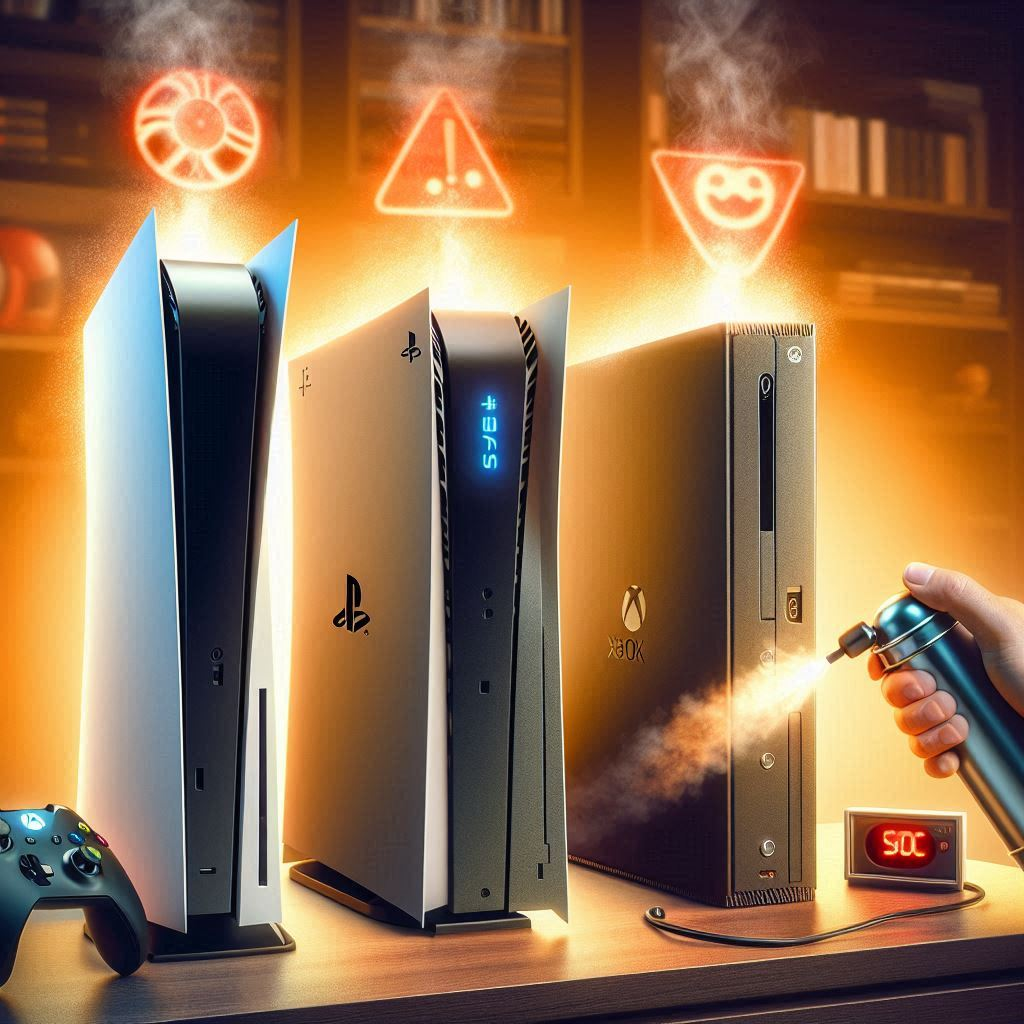
Console Overheating on PS5, PS4 & Xbox: Causes, Fixes, and Prevention
Nothing ruins a gaming session faster than a console suddenly shutting down due to overheating. Modern gaming consoles like PS5, PS4, and Xbox Series X/S are powerful devices, but they generate a lot of heat during long gaming sessions.
Overheating can cause:
- Automatic shutdowns to protect hardware
- Performance throttling (lower frame rates, lag)
- Potential long-term damage to internal components
In this comprehensive guide, we’ll explore why consoles overheat, how to fix them, and ways to prevent overheating in the future.
Why Do Consoles Overheat?
Overheating happens when the console’s internal temperature exceeds safe operating levels. Main causes include:
1. Poor Ventilation
Consoles need open space around vents for air circulation. Placing a console in a cabinet or near walls can trap heat.
2. Dust and Dirt Accumulation
Dust blocks airflow and accumulates on fans and heat sinks, reducing cooling efficiency and causing overheating over time.
3. Long Gaming Sessions
Continuous gaming for hours increases internal temperatures. Performance throttling or automatic shutdown is a protective mechanism.
4. Faulty or Weak Fans
Internal fans may slow down or fail over time. Weak fans can’t dissipate heat efficiently, causing overheating.
5. High Ambient Temperature
Hot rooms can exacerbate overheating. Consoles perform best in well-ventilated, cooler environments.

Signs Your Console is Overheating
- Console feels hot to touch
- Sudden shutdowns during gameplay
- Loud fan noise running constantly
- Lower frame rates or lagging in games
- Error messages about temperature warnings (PS5/Xbox notifications)

5 Effective Fixes for Console Overheating
1. Improve Ventilation
- Place your console on a flat, hard surface. Avoid enclosed cabinets.
- Keep at least 6 inches (15 cm) clearance around all vents.
- Avoid stacking other devices on top of your console.

2. Clean Your Console Regularly
Dust buildup is one of the most common causes of overheating.
- Turn off and unplug the console.
- Use a can of compressed air to blow out dust from vents.
- If comfortable, open the console carefully and clean the internal fans.
- Avoid using vacuum cleaners as they can create static damage.

3. Avoid Long Gaming Sessions
- Take breaks every 1–2 hours to allow your console to cool.
- Alternate between different games or use rest periods for non-intensive apps.
- Use cooling stands or external cooling pads to help during long sessions.

4. Check and Replace Faulty Fans
- If fans make unusual noises or aren’t spinning properly, consider replacement.
- For under-warranty consoles, contact official support.
- For out-of-warranty devices, use genuine replacement fans.

5. Control Ambient Temperature
- Play in a cooler, well-ventilated room.
- Avoid placing consoles near heaters, sunlight, or heat-emitting devices.
- Use air conditioning or a small fan to reduce surrounding temperature.

Additional Tips for Preventing Overheating
- Keep your console firmware updated for optimized thermal management.
- Avoid non-official hardware modifications that increase power consumption.
- Monitor internal temperature if your console provides readings.
- Limit background apps during gameplay.
- Consider external cooling solutions like USB-powered fans or cooling stands.
Specific Tips for Different Consoles
PS5
- Leave space around vents; avoid walls and enclosed cabinets.
- Use the latest system update for optimized fan control.
PS4
- Dust internal fans every few months, especially older models.
- Consider external cooling solutions for long sessions.
Xbox Series X/S
- Place console horizontally or vertically with proper airflow.
- Avoid hot surfaces; Xbox automatically adjusts fan speed to prevent overheating.
Nintendo Switch
- Avoid placing the dock near walls or vents.
- Ensure the console isn’t charging excessively while docked under heat.
When to Contact Support
If overheating persists despite following these tips:
- PS5/PS4: PlayStation Support
- Xbox: Xbox Support
- Nintendo Switch: Nintendo Support
⚠️ Avoid opening your console under warranty, as this may void it.
Conclusion
Overheating is a common issue with PS5, PS4, Xbox, and Nintendo consoles, especially during long gaming sessions. By ensuring proper ventilation, cleaning dust regularly, and monitoring your gaming habits, you can prevent most overheating problems. Preventive care keeps your console safe and ensures smooth gameplay for years.