HowToFixT Team

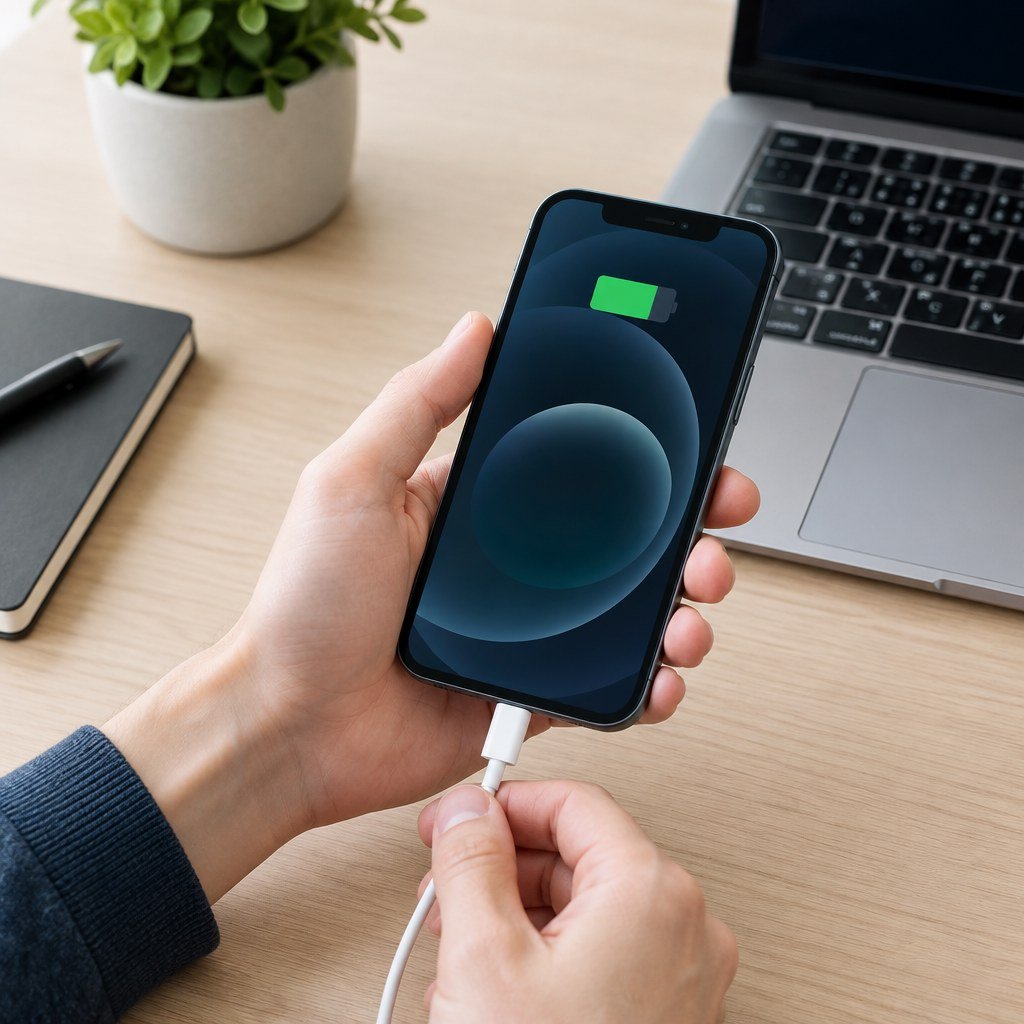
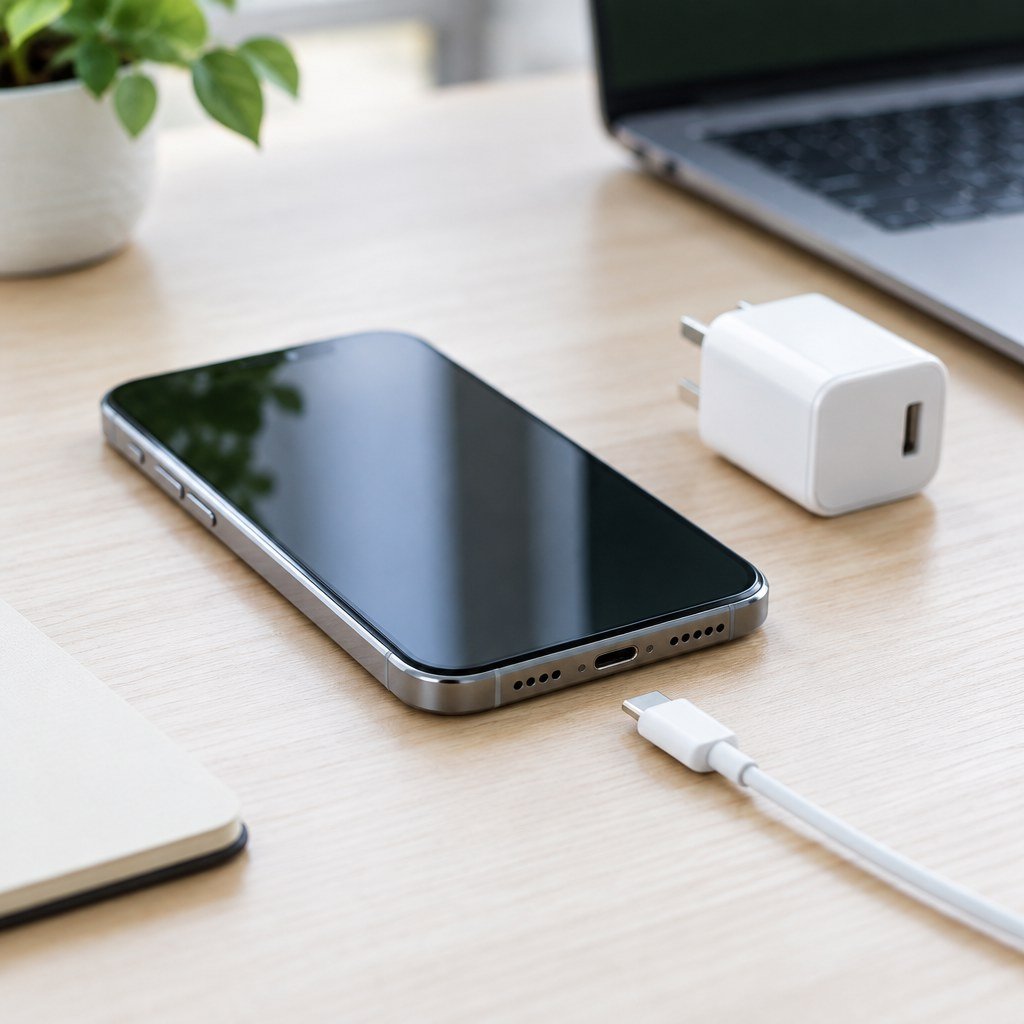
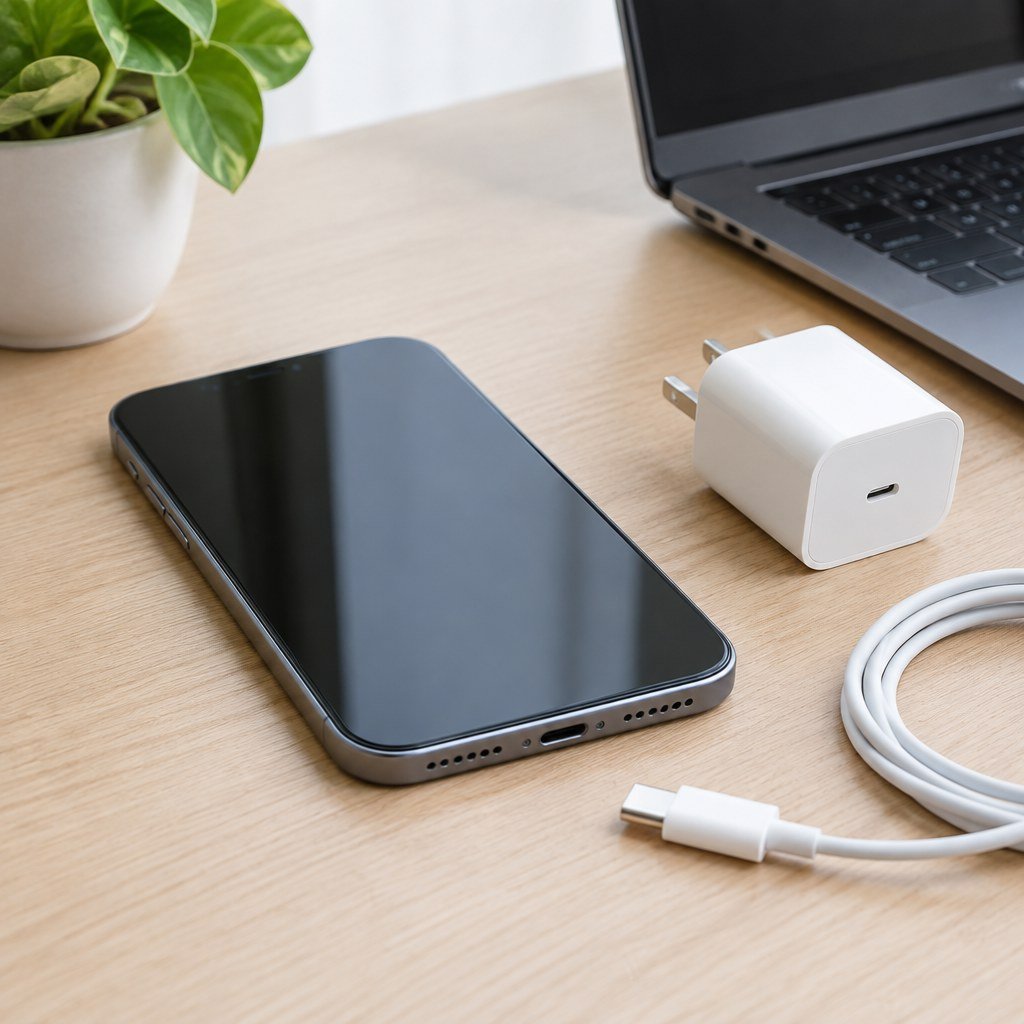
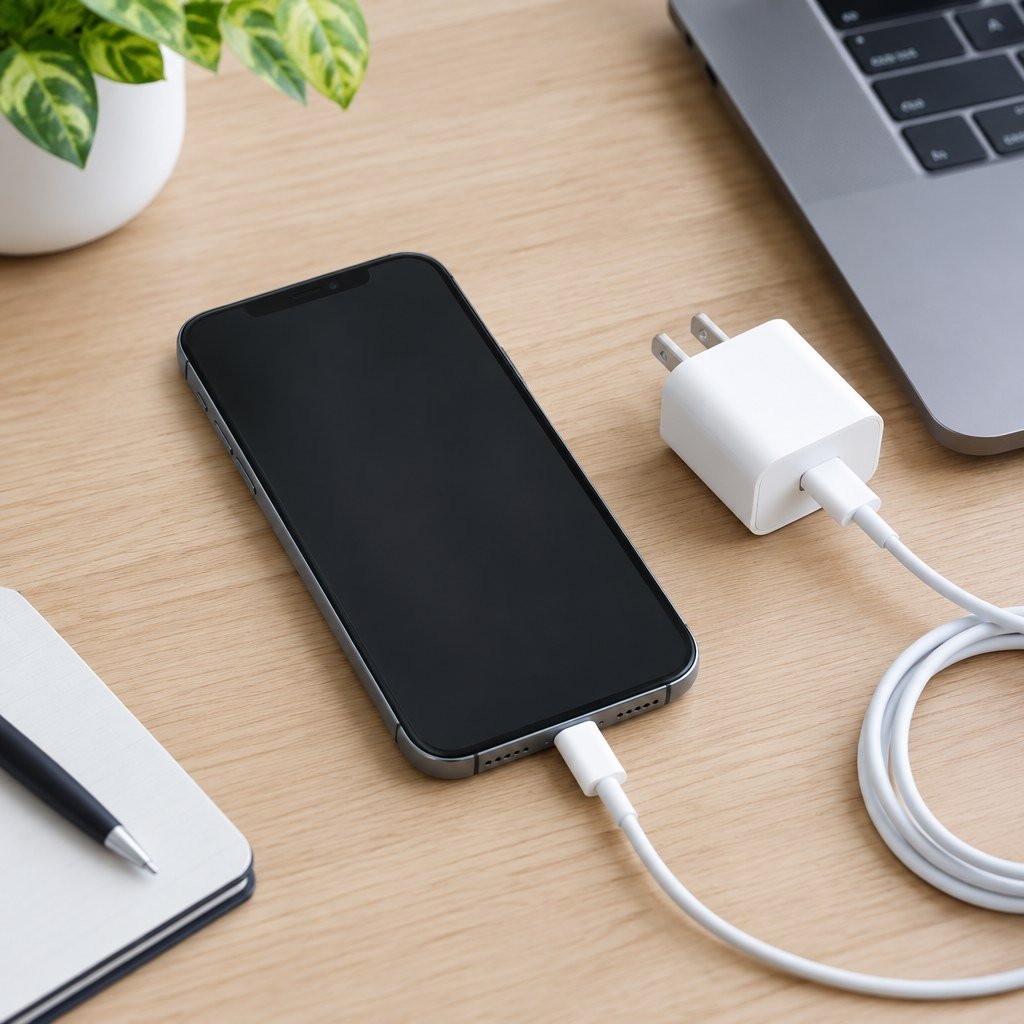
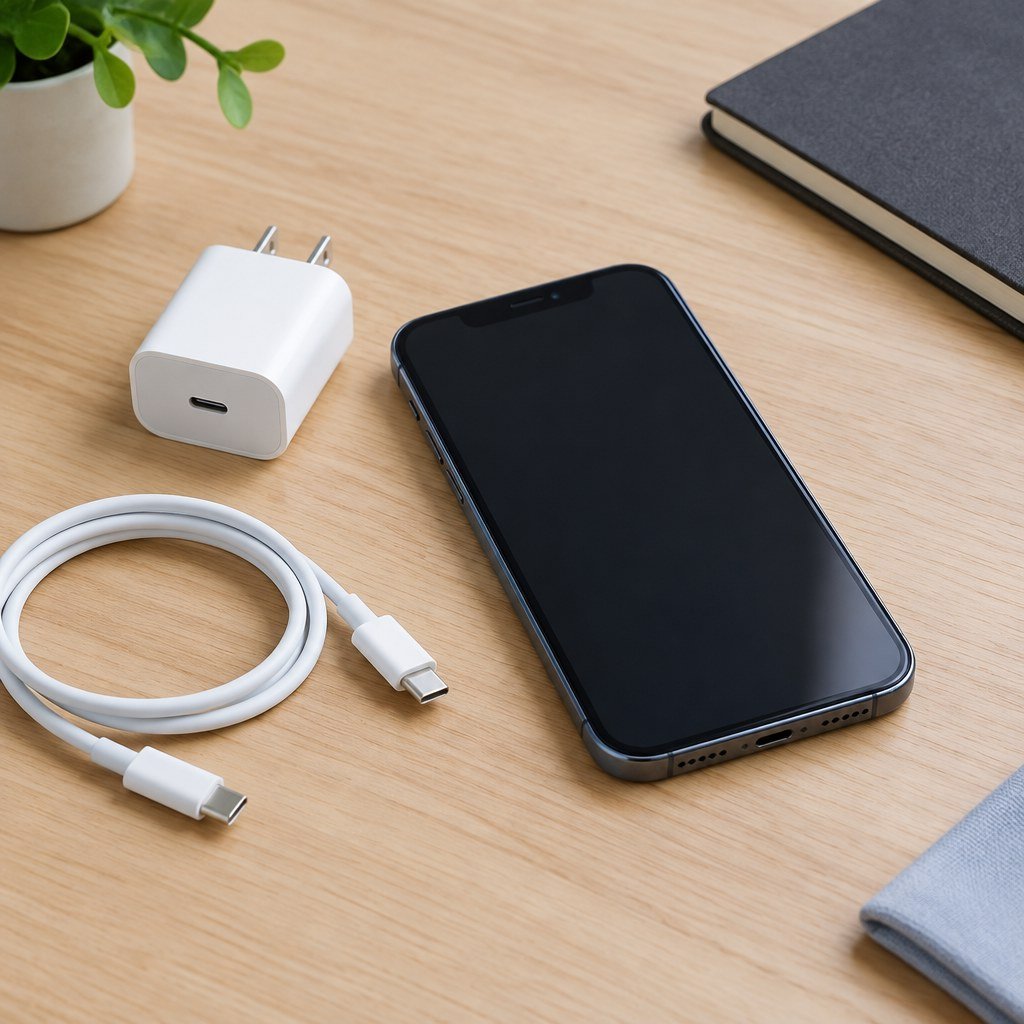
Smartphone fast charging troubleshooting with charger and cable

Fast Charging Not Working? Safe Checks for iPhone and Android

Quick answer If fast charging is not working, start with the charger, cable, charging port, temperature, and battery level. Use compatible equipment, inspect for damage or debris, let an unusually hot phone cool naturally, and test another known-good compatible charger if available. Do not assume every phone, charger, cable, or battery level supports the same […]

Fast Charging Not Working? Safe Checks for iPhone and Android Read More »
Phone hotspot and mobile tethering troubleshooting

Phone Hotspot Not Working? Fix Personal Hotspot and Mobile Tethering

Quick answer If your phone hotspot is not working, confirm mobile data works on the host phone and your plan supports tethering. Turn the hotspot off and back on, restart both devices, forget the hotspot network on the connecting device, and reconnect with the correct password. Save network resets for later because they remove saved

Phone Hotspot Not Working? Fix Personal Hotspot and Mobile Tethering Read More »

Smartphone notification troubleshooting for WhatsApp alerts

WhatsApp Notifications Not Working? Fix Alerts on iPhone and Android

Quick answer If WhatsApp notifications are not working, first make sure the conversation is not muted and notifications are enabled both inside WhatsApp and in your phone settings. Then check Focus or Do Not Disturb, background restrictions, internet access, and app/system updates. Restart the phone before using more disruptive fixes. Common causes A muted chat,

WhatsApp Notifications Not Working? Fix Alerts on iPhone and Android Read More »

Smartphone troubleshooting a TikTok app connection problem

TikTok Not Working on iPhone or Android? Practical Fixes

Quick answer If TikTok is not working on iPhone or Android, first check whether your internet connection works in another app. Then fully close and reopen TikTok, switch between Wi-Fi and mobile data, restart the phone, and install available TikTok and system updates. Avoid deleting app data or reinstalling until you have considered drafts and

TikTok Not Working on iPhone or Android? Practical Fixes Read More »

iPhone troubleshooting for a frozen or unresponsive screen

iPhone Frozen or Unresponsive? Safe Ways to Get It Working Again

Quick answer If your iPhone is frozen or unresponsive, give it a moment to finish a demanding task, then try a normal restart. If the screen will not respond, use the correct force-restart sequence for your iPhone model. A force restart does not normally erase your personal data. If the phone is extremely hot, swollen,

iPhone Frozen or Unresponsive? Safe Ways to Get It Working Again Read More »

iPhone and wireless accessory for Bluetooth troubleshooting

iPhone Bluetooth Not Connecting? Safe Troubleshooting Steps

Quick Answer If your iPhone Bluetooth is not connecting, confirm the accessory is charged, nearby, and in pairing mode. Restart the iPhone and accessory, then try again. If one accessory still fails, forget it and pair it again. Save network resets for later because they can remove saved network settings. Common Causes The accessory is

iPhone Bluetooth Not Connecting? Safe Troubleshooting Steps Read More »