
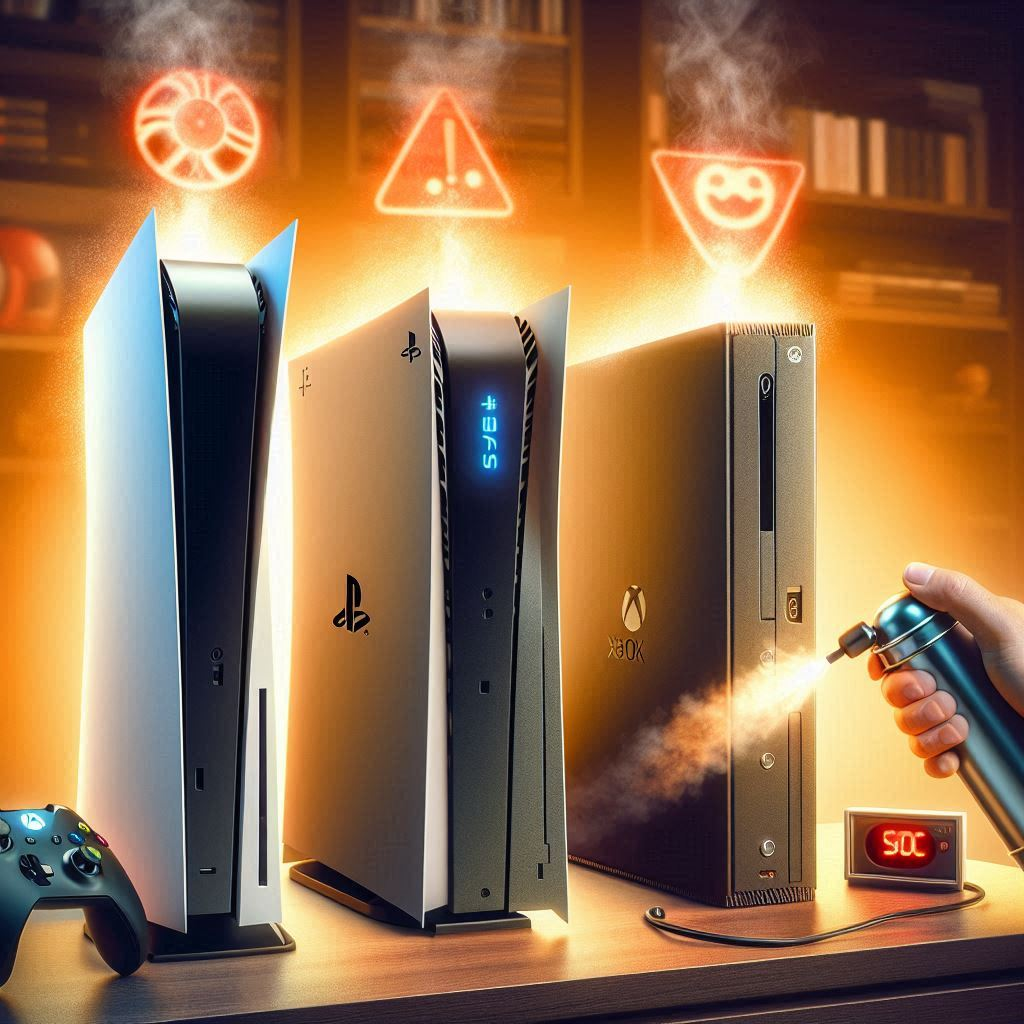
If your PS4 suddenly sounds like a jet engine, dust, restricted airflow, heavy load, or an aging fan may be the reason. Start with external cleaning and airflow checks before opening the console.
Quick answer
Shut the PS4 down, unplug it, move it to an open hard surface, clean the outside vents, remove nearby dust, and test it again. If the fan remains extremely loud during light use or the console overheats, professional internal cleaning or fan service may be needed.
1. Check where the PS4 is placed
Do not keep the console inside a tight cabinet, on carpet, or pressed against a wall. Leave open space around the intake and exhaust areas so hot air can escape.
2. Shut down and unplug before cleaning
Turn the PS4 off completely and disconnect power and accessories. Let it cool before touching the vents or exterior.
3. Clean the outside vents
Use a soft brush or short, controlled bursts of compressed air to remove loose dust from the external vents. Hold compressed-air cans upright and avoid forcing debris deeper into the console.
4. Clean the area around the console
Dust on shelves and nearby surfaces is quickly pulled back into the system. Wipe the surrounding area and avoid placing the console where pet hair or fabric lint builds up.
5. Test fan noise with different games
Some demanding games make the fan run faster. If the PS4 is quiet on the home screen but loud only during heavy games, higher fan speed may be normal. Constant maximum-speed noise during light use is more concerning.
6. Check for overheating warnings or shutdowns
If the console shows temperature warnings, shuts down, or feels unusually hot, stop using it and let it cool. Repeated overheating can point to blocked internal cooling or a fan problem.
7. Keep system software updated
Install official PS4 system updates and game patches. Software will not remove dust, but updates can improve stability and reduce unnecessary background issues.
8. Consider internal cleaning only if necessary
Internal cleaning requires opening the console and is more involved than wiping the vents. If you are not experienced with electronics, use a qualified repair technician rather than risking damaged connectors or screws.
What not to do
- Do not spray liquid cleaner into the console.
- Do not vacuum directly against internal electronics.
- Do not block vents to reduce noise.
- Do not keep playing through repeated overheating warnings.
When professional help is needed
Get service if the fan rattles, grinds, stops spinning, the console overheats after external cleaning, or the noise stays extreme even while the system is mostly idle.
FAQ
Is a loud PS4 fan always a problem?
No. Fan speed can rise during demanding games or in a warm room. Constant extreme noise, overheating or shutdowns are stronger warning signs.
Can cleaning the vents help?
Yes. Removing external dust and improving airflow can help when the vents are restricted, though deeply packed dust may require internal service.