
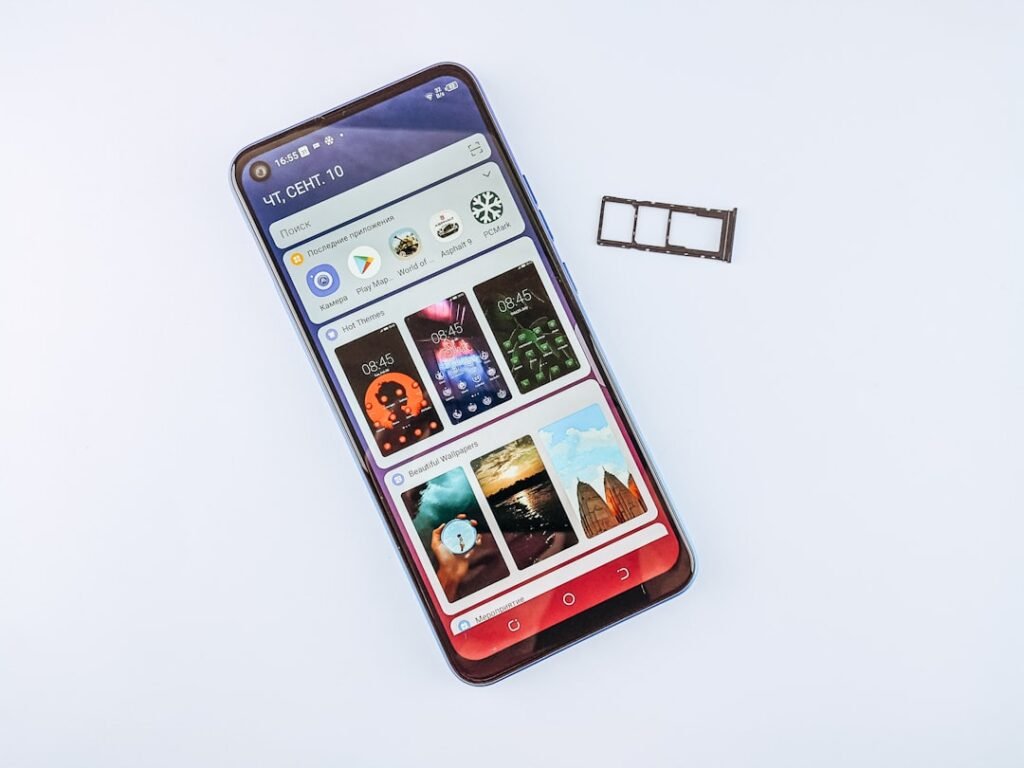
If your Android tablet says storage is full, apps may stop updating, downloads can fail, and the device may become slow or unstable. The safest fix is to identify what is actually using space before deleting anything important.
Quick answer
Start with Settings > Storage, remove large downloads and offline media you no longer need, uninstall unused apps, clear cache for unusually large apps, and move backed-up photos or videos off the tablet. Empty trash folders only after checking them. Avoid deleting unknown system files.
1. Check what is using the most space
Open Settings > Storage or the storage section in Device Care. Review categories such as photos, videos, apps, downloads and system files. Menu names vary by Android version and manufacturer.
2. Delete old downloads you recognize
The Downloads folder often collects PDFs, APK files, videos and duplicate documents. Sort by size and delete only files you recognize. If you are unsure whether a document is important, back it up first.
3. Remove offline videos, music and maps
Streaming and navigation apps can store large offline files. Open the app itself and remove downloads you no longer need. This is safer than deleting app folders manually.
4. Uninstall apps you no longer use
Games and creative apps can use several gigabytes. Remove apps you have not used recently, especially if they also download extra content in the background.
5. Clear cache for apps that have grown unusually large
Open the app’s storage settings and use Clear cache where available. Cache is temporary data and may rebuild later. Do not choose Clear data or Clear storage unless you understand that it can reset the app or remove local content.
6. Review photos and videos carefully
Photos and videos are often the largest category. Back up important media to a computer, trusted cloud service or external drive before deleting local copies. Confirm the backup actually opens before removing originals from the tablet.
7. Check messaging app media
WhatsApp, Telegram and similar apps can accumulate forwarded videos, voice notes and images. Use each app’s built-in storage manager where possible so you can see what is safe to remove.
8. Empty trash or recently deleted folders
Gallery and file-manager apps may keep deleted items for a recovery period. Review these folders before emptying them permanently. Once removed from trash, recovery may be difficult or impossible.
9. Move compatible files to a microSD card or external storage
If your tablet supports expandable storage, you can move photos, videos and documents to a quality microSD card. This does not increase RAM or processor speed, and not every app can be moved safely.
10. Leave some free space
Android needs free storage for updates, temporary files and normal app operation. There is no universal percentage for every tablet, but running with almost no free space is likely to cause problems. Aim to keep enough free room for updates and daily use.
What not to do
- Do not delete folders you do not understand.
- Do not rely on aggressive cleaner apps that promise one-tap optimization.
- Do not remove photos before verifying your backup.
- Do not repeatedly clear every cache just to chase a number; caches often rebuild.
When a deeper problem may be involved
If storage suddenly appears full even after cleanup, files repeatedly become corrupted, or the tablet reports storage errors, the internal storage may be malfunctioning. Back up important data as soon as possible and consider professional diagnosis.
Frequently asked questions
Why is my tablet storage full when I do not have many photos?
Apps, offline videos, downloads, game data, messaging media and cached files can use more space than photos. Check the storage breakdown instead of guessing.
Does clearing cache delete photos?
Clearing an individual app’s cache normally removes temporary files, not your personal photos. Still, read the button label carefully and avoid Clear data unless you understand the effect.
Can a microSD card fix full internal storage?
It can help by storing compatible photos, videos and documents, but system files and many apps still need internal storage.