
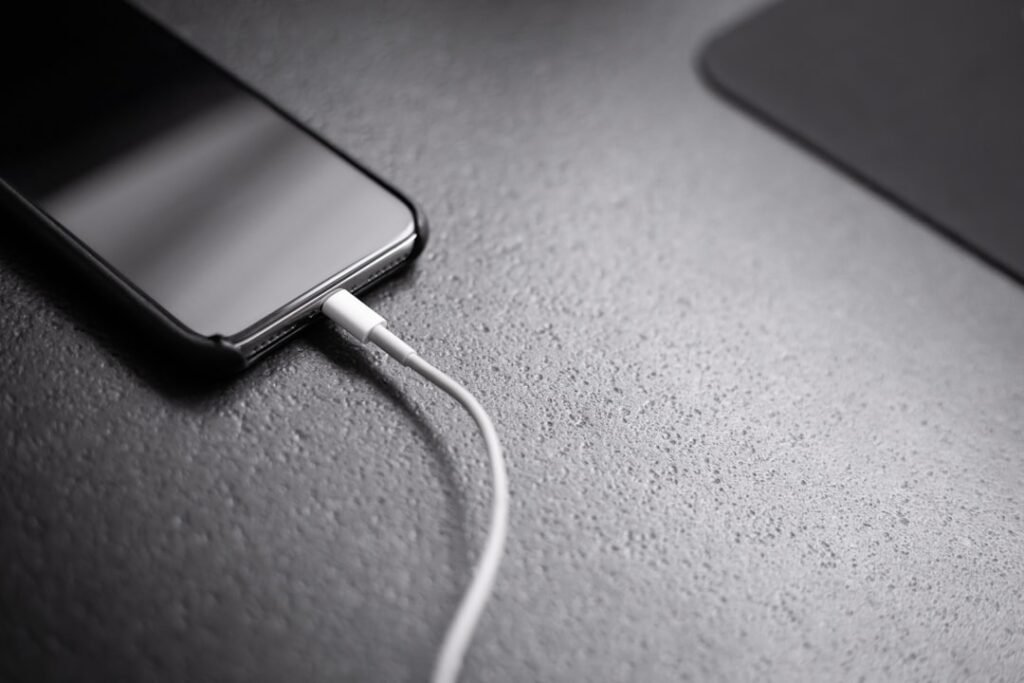
A phone that suddenly starts charging very slowly does not always have a bad battery. Slow charging can come from a weak adapter, worn cable, dirty port, heat, heavy background activity or a charging setting.
Quick answer
Try a known-good cable and charger, use a wall outlet, stop heavy phone use while charging, and inspect the port for debris. If the phone is hot, let it cool before charging again. Then check battery settings and software updates before considering repair.
1. Try another cable
Charging cables can fail internally even when they look normal. Test with another trusted cable rated for your phone and charger.
2. Check the adapter and outlet
A low-power adapter or weak USB port can charge slowly. Test from a wall outlet. If your phone supports fast charging, both the adapter and cable need to support the required standard.
3. Inspect the charging port
Lint and dust can prevent a solid connection. Use a flashlight. If you clearly see debris, remove it gently with a soft, dry, non-metal tool.
Safety note: do not insert metal pins, needles or liquid cleaners into the port. Stop if the connector looks burnt, loose or damaged.
4. Stop using the phone while it charges
Gaming, navigation, video calls and streaming can consume power almost as fast as the charger supplies it. Lock the screen for 15 to 30 minutes and check again.
5. Let the phone cool down
Phones often reduce charging speed when they are too warm. Remove a thick case and move the phone away from direct sun. Never put a hot phone in a refrigerator or freezer.
6. Review charging settings
Some phones use adaptive charging, optimized charging or battery-protection features. These may intentionally slow charging near certain battery levels. Keep them enabled unless you are testing a specific issue.
7. Restart the phone
A restart can clear temporary background activity that is using power while charging.
8. Update the software
Install pending system updates from the phone’s official settings, then test again.
9. Compare another charging method
If your phone supports wireless charging, compare it with wired charging. A large difference can help identify whether the cable, port or charger is at fault.
What not to do
- Do not use damaged or unusually hot chargers.
- Do not force a loose connector.
- Do not install random charging booster apps.
- Do not continue charging a swollen battery.
When to get professional help
Get the phone checked if several known-good chargers are slow, the port is loose, charging repeatedly starts and stops, the phone becomes unusually hot, or the battery is swollen. Stop using the device immediately if you notice swelling, smoke or a burning smell.
FAQ
Is slow charging always a battery problem?
No. Cables, adapters, temperature, port condition and software settings are common causes too.
Can a dirty port make charging slow?
Yes. Debris can prevent the connector from seating properly.
Related guides
- iPhone Not Charging? 8 Safe Fixes
- Samsung Phone Not Charging? 8 Safe Fixes
- More Charging, Battery & Heat guides
Featured photo: Andreas Haslinger via Unsplash.