
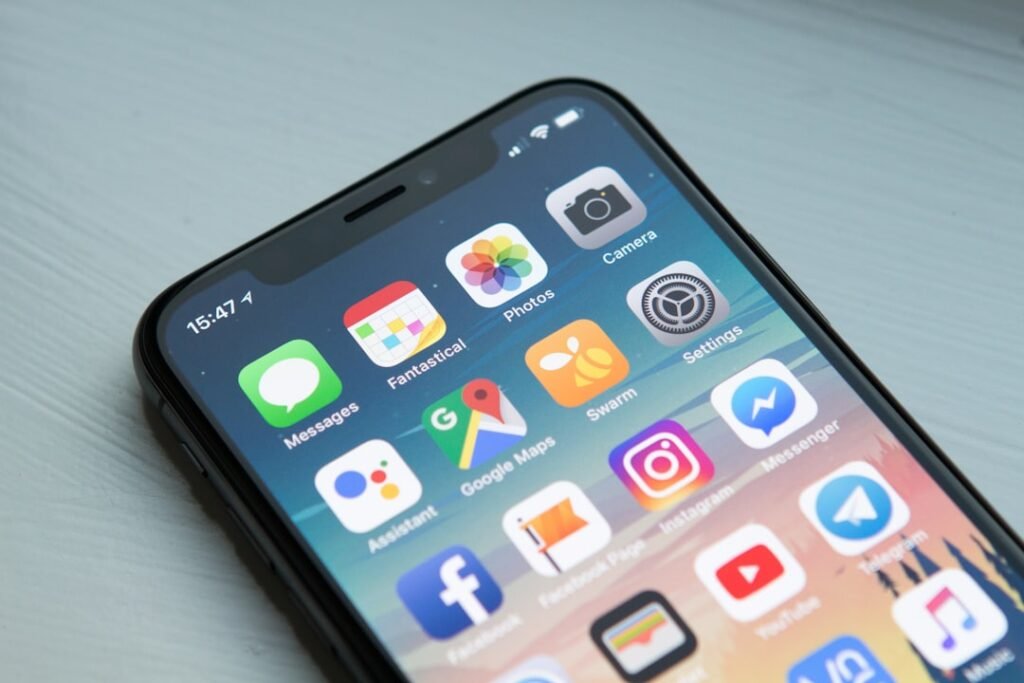
If your phone freezes, stutters or closes apps unexpectedly, the cause is often low storage, a buggy app, background overload, heat or outdated software. Start with the least disruptive fixes before considering any reset.
Quick answer
Restart the phone, free some storage, update the operating system and apps, remove any recently installed problem app, and let the device cool if it is hot. If only one app crashes, focus on that app rather than the whole phone.
1. Restart the phone
A restart clears temporary memory and stuck background processes. If the phone is completely unresponsive, use the manufacturer’s force-restart button combination for your model.
2. Check free storage
Very low storage can cause slowdowns, failed updates and app crashes. Remove unnecessary downloads, unused apps or large media after confirming important files are backed up.
3. Update the phone software
Install pending system updates from the official settings. Updates can fix stability, memory and compatibility problems.
4. Update the affected apps
If only one or two apps crash, update them from the App Store or Google Play Store. A recent app bug may be fixed by a newer version.
5. Check recently installed apps
If the problem started after installing a new app, temporarily remove that app and test the phone again.
6. Clear app cache on Android when appropriate
For an Android app that keeps crashing, clearing its cache can remove broken temporary files. Do not choose Clear data unless you understand what local information and sign-in state may be removed.
7. Let the phone cool down
Performance can slow when the device gets hot. Stop heavy games, video recording or charging for a while and let the phone cool naturally.
8. Reduce unnecessary background activity
Close apps that are clearly misbehaving and review battery or background usage. You do not need to force-close every app constantly; focus on apps showing unusual activity.
9. Reset only as a last resort
A factory reset can help with serious software corruption, but it erases local data. Back up photos, documents, authenticator access and other important information first. Try the earlier steps before using this option.
What not to do
- Do not install random RAM booster or cleaner apps.
- Do not factory-reset before making a verified backup.
- Do not ignore repeated crashes together with unusual heat or battery swelling.
- Do not download unofficial system updates.
When to get professional help
Seek device support if the phone freezes during startup, restarts repeatedly, crashes across many apps after updates and storage cleanup, or the problem began after a drop or liquid exposure.
FAQ
Why does only one app keep crashing?
That usually suggests an app-specific bug, corrupted cache, missing permission or compatibility issue rather than a phone-wide hardware problem.
Can low storage make a phone freeze?
Yes. The operating system needs free space for updates and temporary files, and critically low storage can affect stability.
Related guides
- Android Phone Running Slow? 10 Safe Ways to Speed It Up
- Phone Storage Full? 10 Safe Ways to Free Up Space
- More Camera, Storage & Performance guides
Featured photo: William Hook via Unsplash.
Pingback: Phone Camera Not Working? 9 Fixes | HowToFixT