
If your phone keeps disconnecting from Wi-Fi, the problem can be on either side of the connection. Sometimes the router signal is weak or overloaded. Other times the phone has an old saved network profile, power-saving setting, VPN, or software issue that interrupts the connection.
The fastest way to solve it is to work from the simplest checks to the more disruptive ones. The steps below apply broadly to Android and iPhone, although menu names differ slightly.
Quick answer
Move closer to the router, restart the phone and router, then forget and reconnect to the Wi-Fi network. If the problem only happens on one phone, check VPN, battery-saving and network settings. If every device disconnects, the router or internet service needs attention.
1. Check whether other devices disconnect too
Watch another phone, laptop or TV on the same Wi-Fi.
- If several devices disconnect at the same time, focus on the router, modem or internet provider.
- If only one phone disconnects, continue troubleshooting that phone.
2. Move closer to the router
Weak signal can look like a random software problem. Test the phone near the router for a few minutes. If the connection becomes stable, coverage is the main issue.
Large walls, metal surfaces, mirrors, microwaves and neighboring Wi-Fi networks can all reduce signal quality.
3. Restart the phone and router
Restart the phone normally. For the router, unplug the power for about 60 seconds, reconnect it and wait for the connection to fully return.
A normal power restart is different from a factory reset and does not erase the router’s configuration.
4. Forget the network and reconnect
Remove the saved Wi-Fi network from the phone, then reconnect using the correct password. This rebuilds the connection profile and can fix authentication or IP-address problems.
5. Check automatic switching and mobile-data features
Some phones are designed to leave a weak Wi-Fi connection and switch to mobile data. Depending on the brand, the option may be called adaptive connectivity, switch to mobile data, Wi-Fi assist, intelligent Wi-Fi or something similar.
If the phone disconnects mainly when the signal becomes weaker, temporarily disable that feature and test again.
6. Temporarily disable VPN or private DNS
A VPN, security app or custom DNS setting can make the internet appear to drop even when Wi-Fi remains connected. Turn the VPN off temporarily and return custom DNS settings to automatic while testing.
7. Check battery-saving restrictions
Aggressive battery-saving modes can limit background network activity, especially on some Android phones. If disconnects happen when the screen turns off, test with battery saver disabled for a short time.
Do not leave unnecessary settings disabled permanently; the goal is to identify the cause.
8. Update the phone and router firmware
Install available phone software updates. If you manage your own router, check the manufacturer’s admin app or interface for a firmware update. Only update router firmware using the correct model and official instructions.
9. Reset network settings if the problem follows the phone
If the phone disconnects on several known-good Wi-Fi networks, a network reset can be useful. This may remove saved Wi-Fi networks, Bluetooth pairings and related preferences, so use it after the easier fixes.
What not to do
- Do not factory-reset the router before recording its settings.
- Do not factory-reset the phone as an early fix.
- Do not install random Wi-Fi booster apps.
- Do not change multiple router settings at once; you will not know which change helped.
When to get professional help
If all devices disconnect frequently even near the router, contact your internet provider or test the router for hardware failure. If one phone disconnects on every Wi-Fi network after a network reset, device support or repair diagnosis may be appropriate.
Frequently asked questions
Why does my phone disconnect from Wi-Fi when the screen turns off?
Battery-saving or network-management settings can sometimes reduce background Wi-Fi activity. Test with power-saving features temporarily disabled.
Why does Wi-Fi disconnect in only one room?
That usually points to weak signal or interference. Router placement, walls and distance matter more than the number of signal bars alone.
Should I buy a new router?
Not immediately. First confirm that multiple devices disconnect, update the router, check placement and restart it. Replacement makes more sense when the issue follows the router across devices and persists after basic troubleshooting.
Related HowToFixT guides
- Android Wi-Fi Connected but No Internet?
- iPhone Wi-Fi Connected but No Internet?
- More Wi-Fi & Connectivity troubleshooting guides
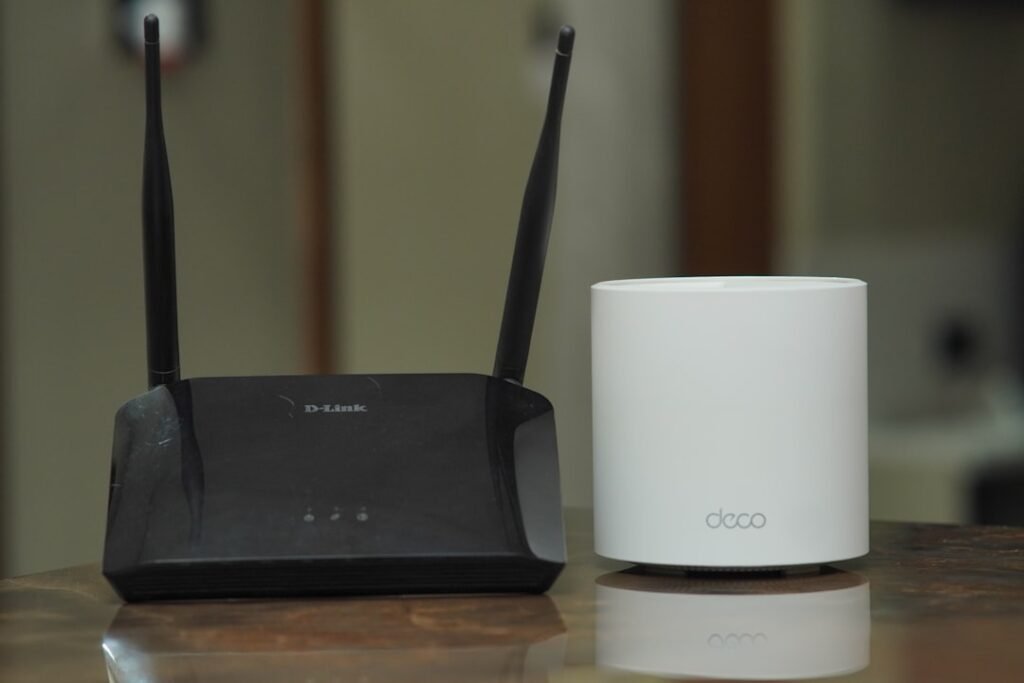
Featured photo: TechieTech Tech via Unsplash.
Pingback: Instagram Not Loading or Refreshing? 9 Fixes for Android and iPhone - howtofixt.com
Pingback: Why Does My Wi-Fi Keep Disconnecting? 7 Easy Fixes for a Stable Internet Connection - howtofixt.com
Pingback: Real-Life Tweaks That Actually Boost Your internet Connection - howtofixt.com